Why VaultNote?
Most notes apps sync your thoughts to someone else's server. Even apps that claim to be "private" often include analytics SDKs, require internet permissions, or need an account to function.
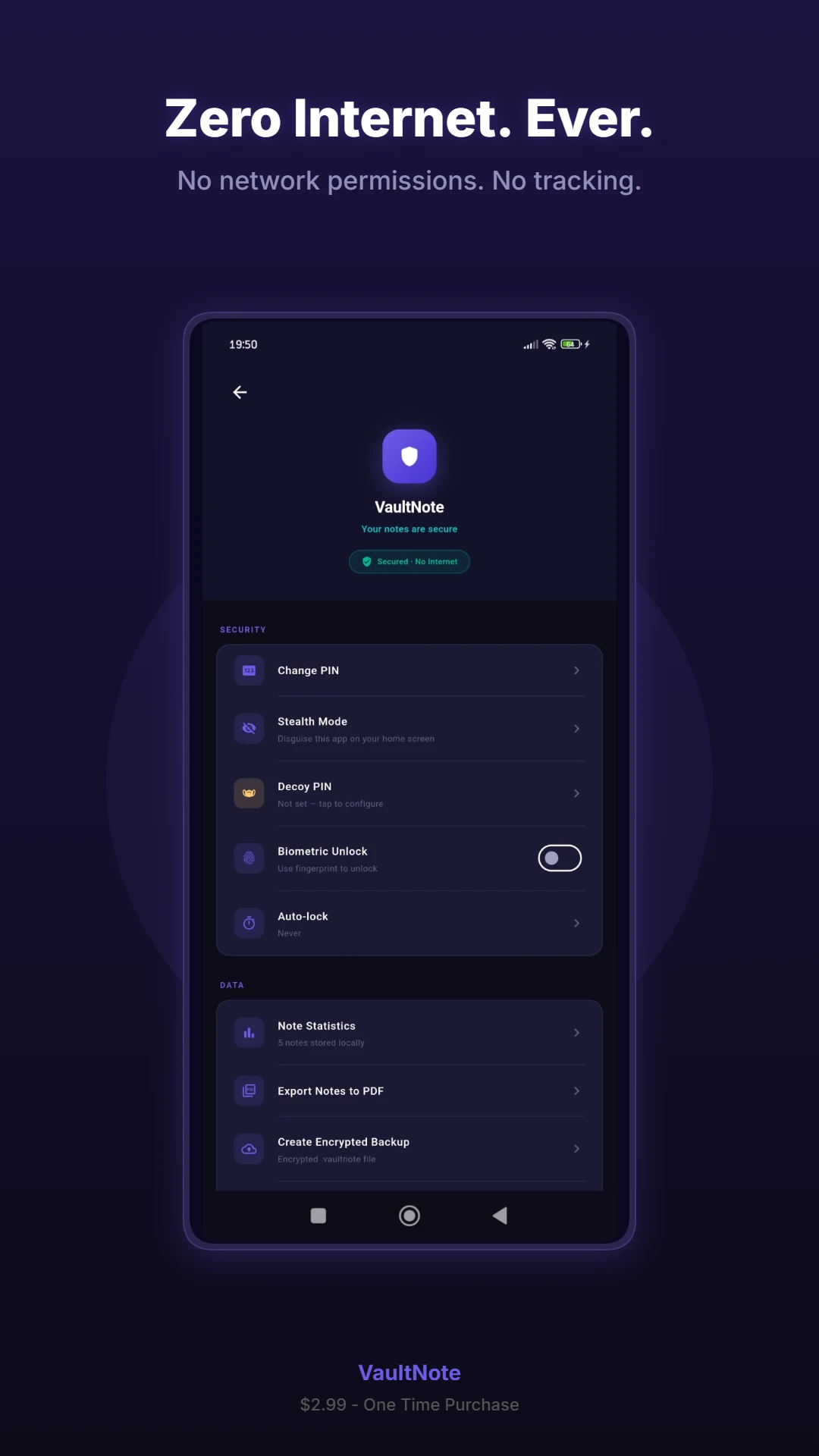
VaultNote is different. The app has zero network permissions — it literally cannot connect to the internet. Your notes physically cannot leave your device. This isn't a promise. It's an architectural guarantee.
See It in Action
Features
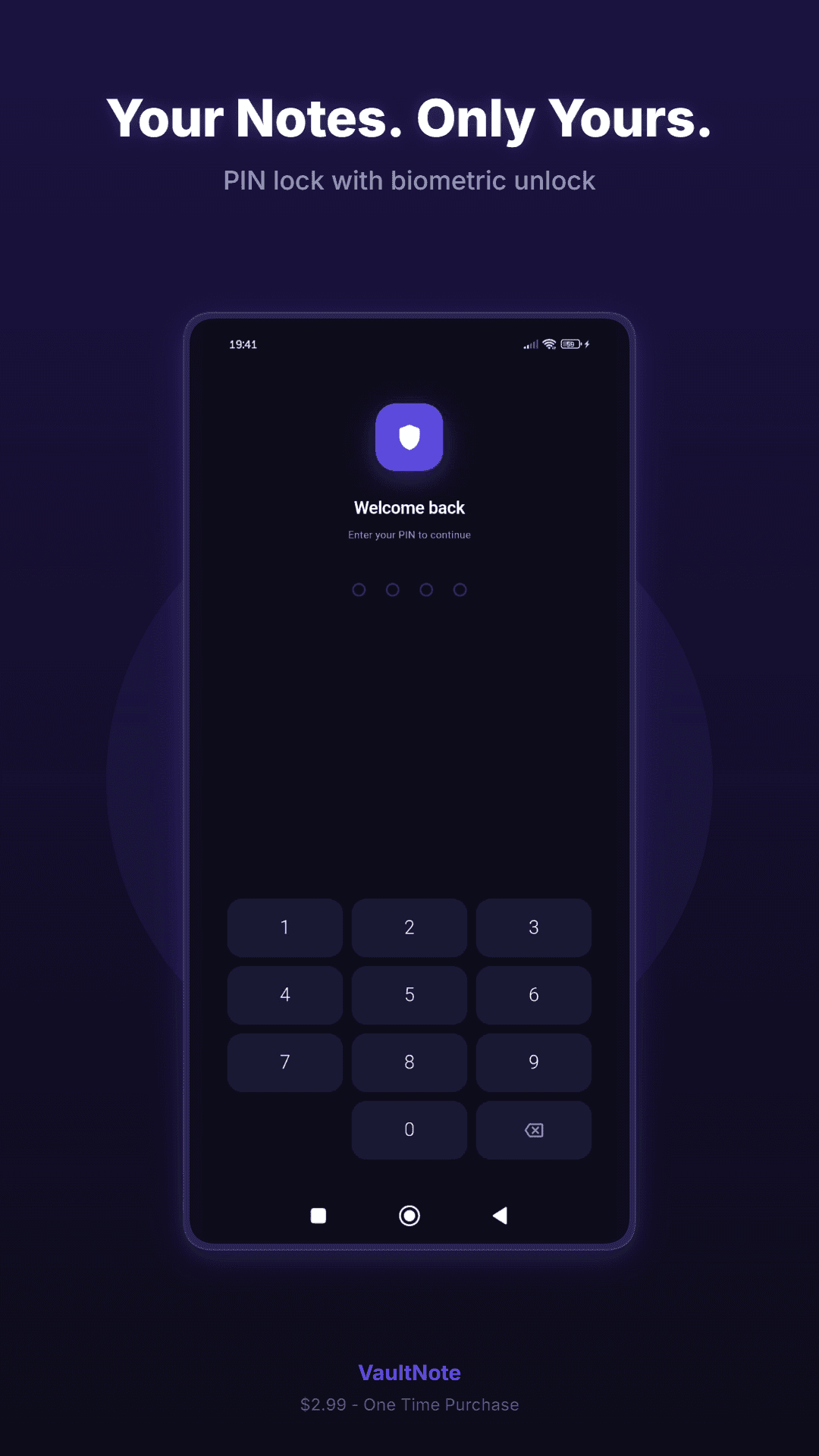
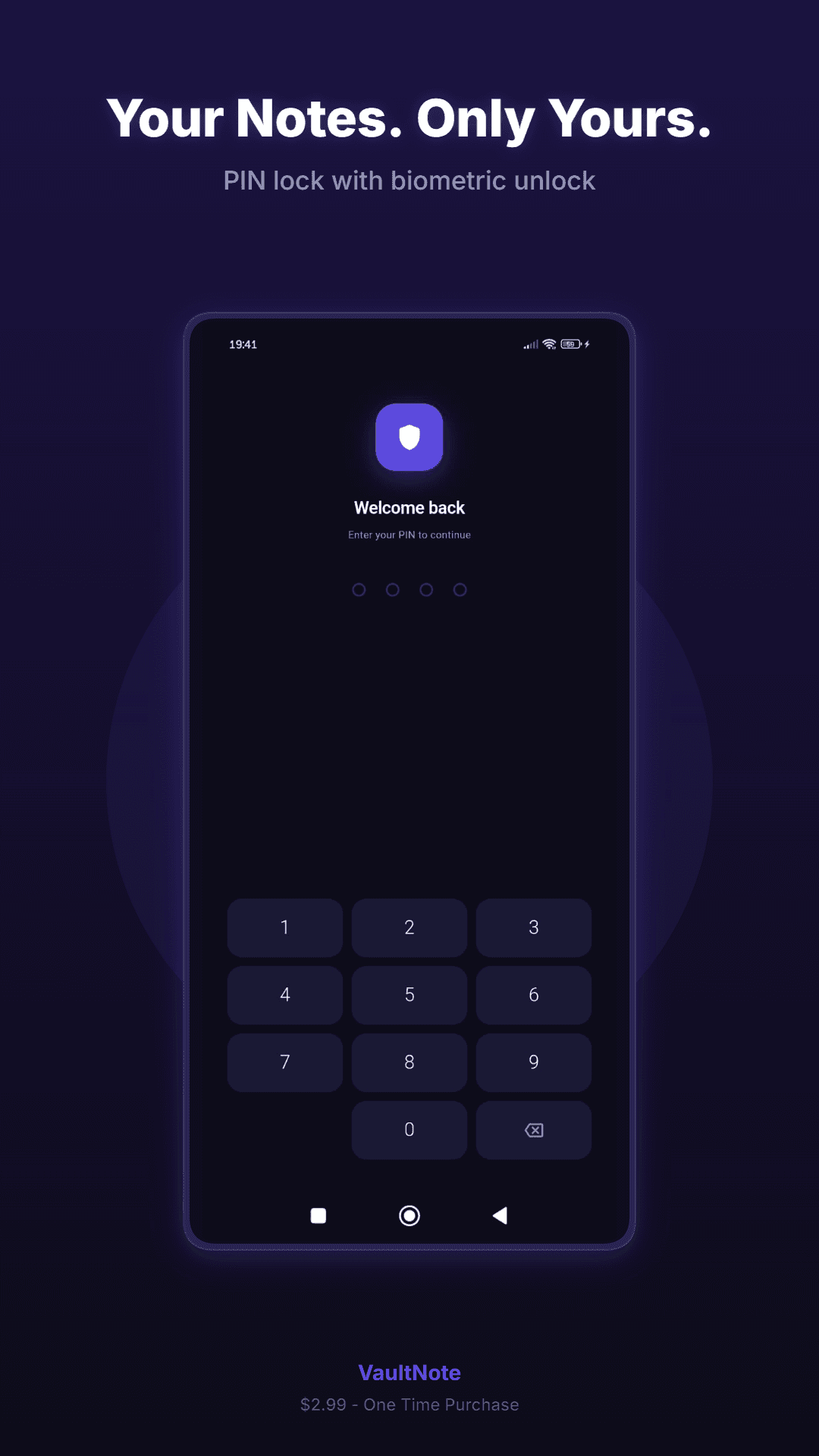
PIN Lock & Biometrics
Protect your notes with a custom PIN. Unlock instantly with your fingerprint or face. Your PIN is stored as a SHA-256 hash.
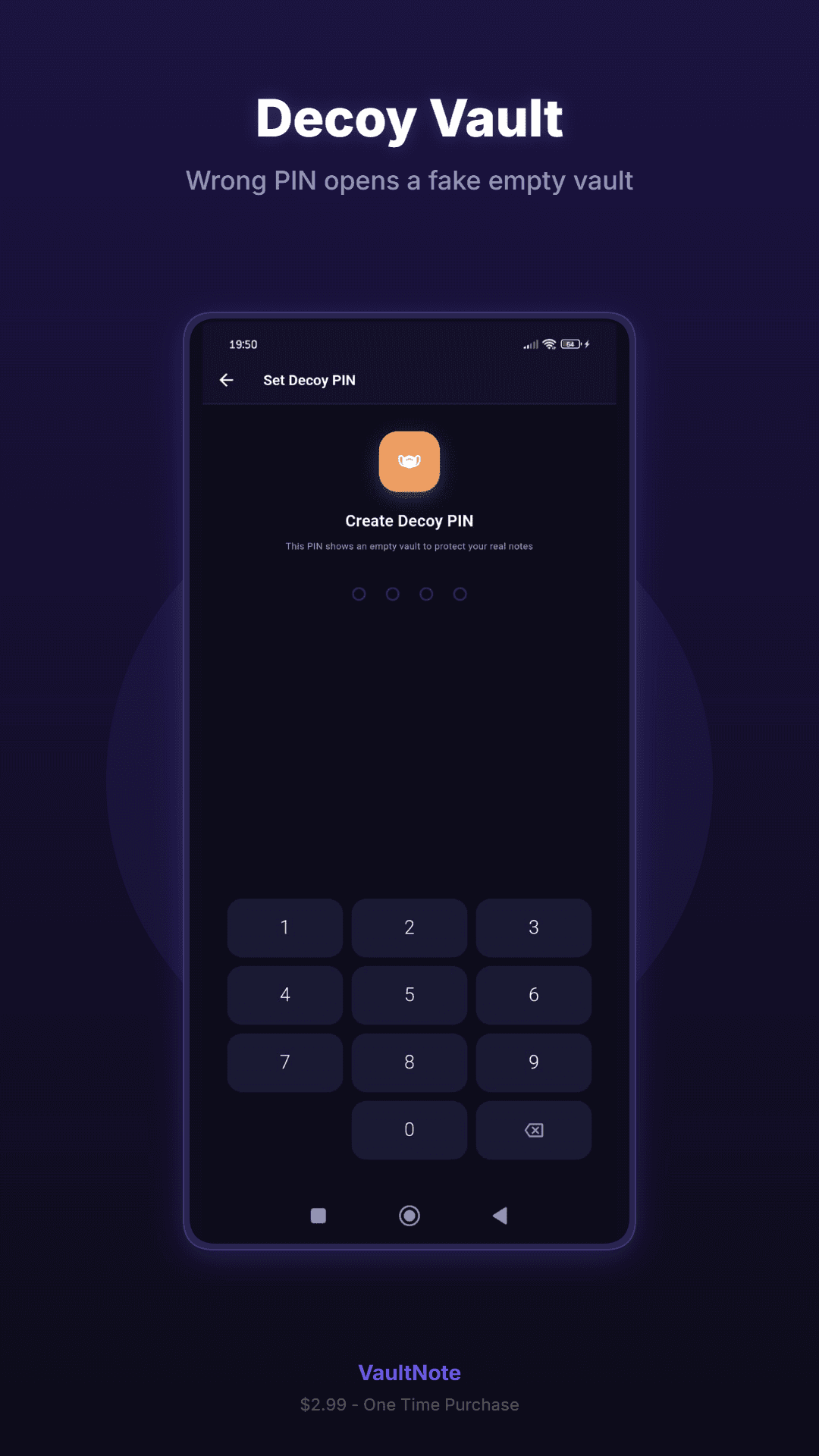
Decoy Vault
Set a secondary PIN that opens a fake, empty vault. If someone forces you to unlock, they see nothing. Your real notes stay hidden.
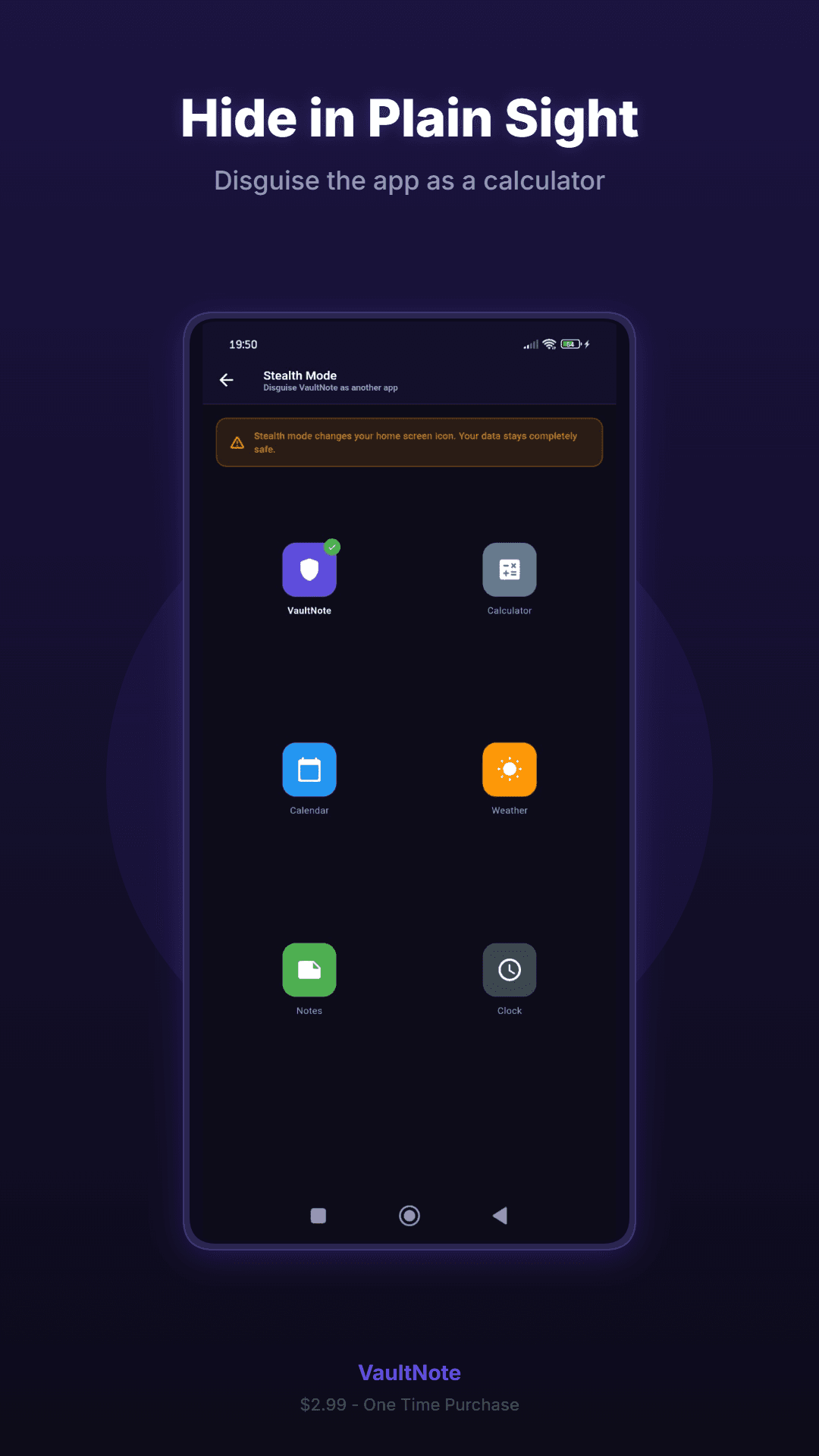
Stealth Mode
Change VaultNote's icon to look like a calculator or another app. Nobody will know it's a private notes app.
Screenshot Protection
VaultNote blocks screen capture and recording while open. No one can screenshot your notes unless you allow it.
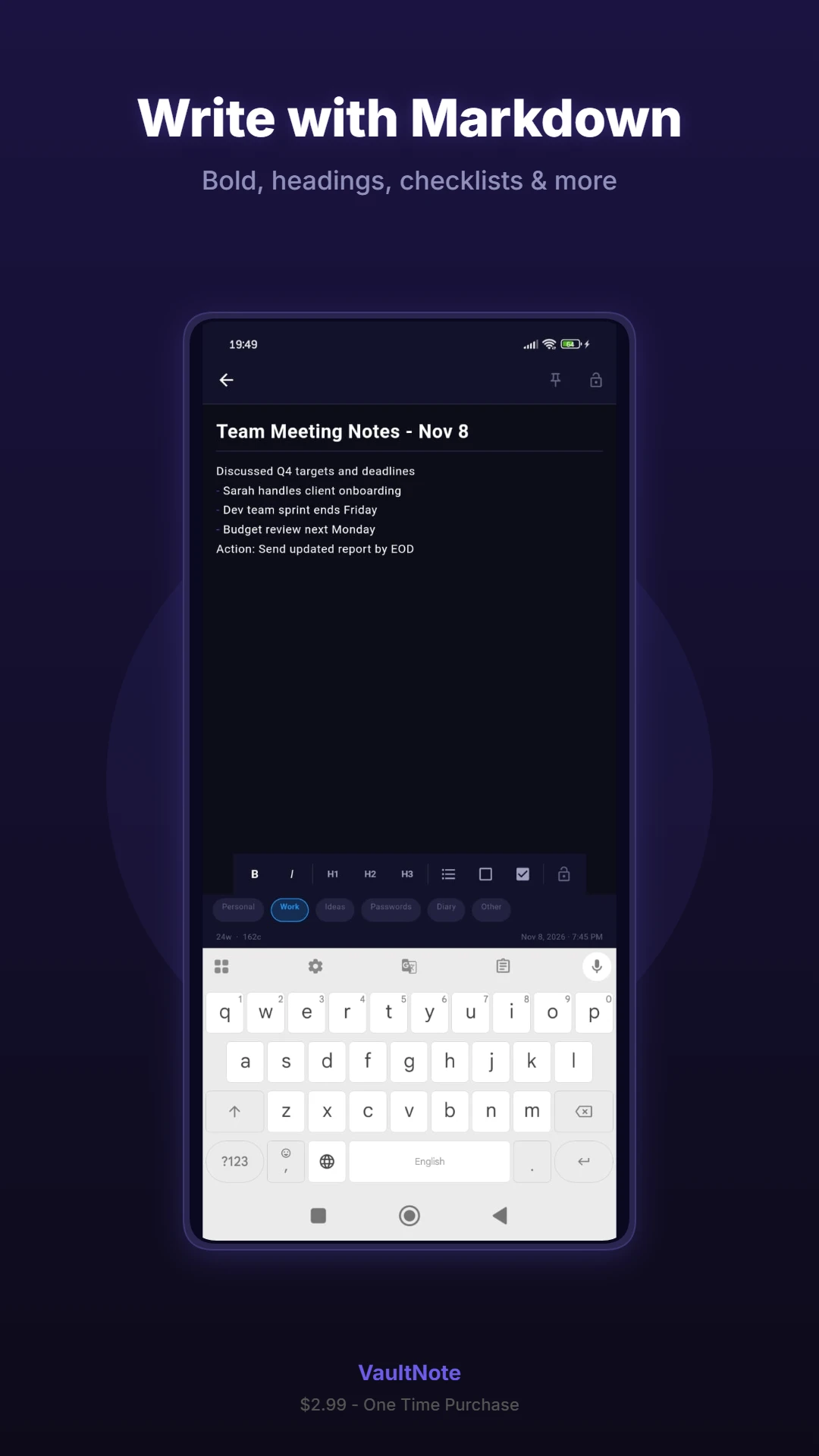
Markdown Editor
Write with live markdown formatting. Bold, italic, headings, bullet lists, and checklists. Clean, distraction-free.
Autosave
Your work is automatically saved every 2 seconds. Close the app, get a call, battery dies. Your notes are safe.
Encrypted Backups
Export notes as an AES-256 encrypted backup. Restore on a new device with your PIN. Useless without it.
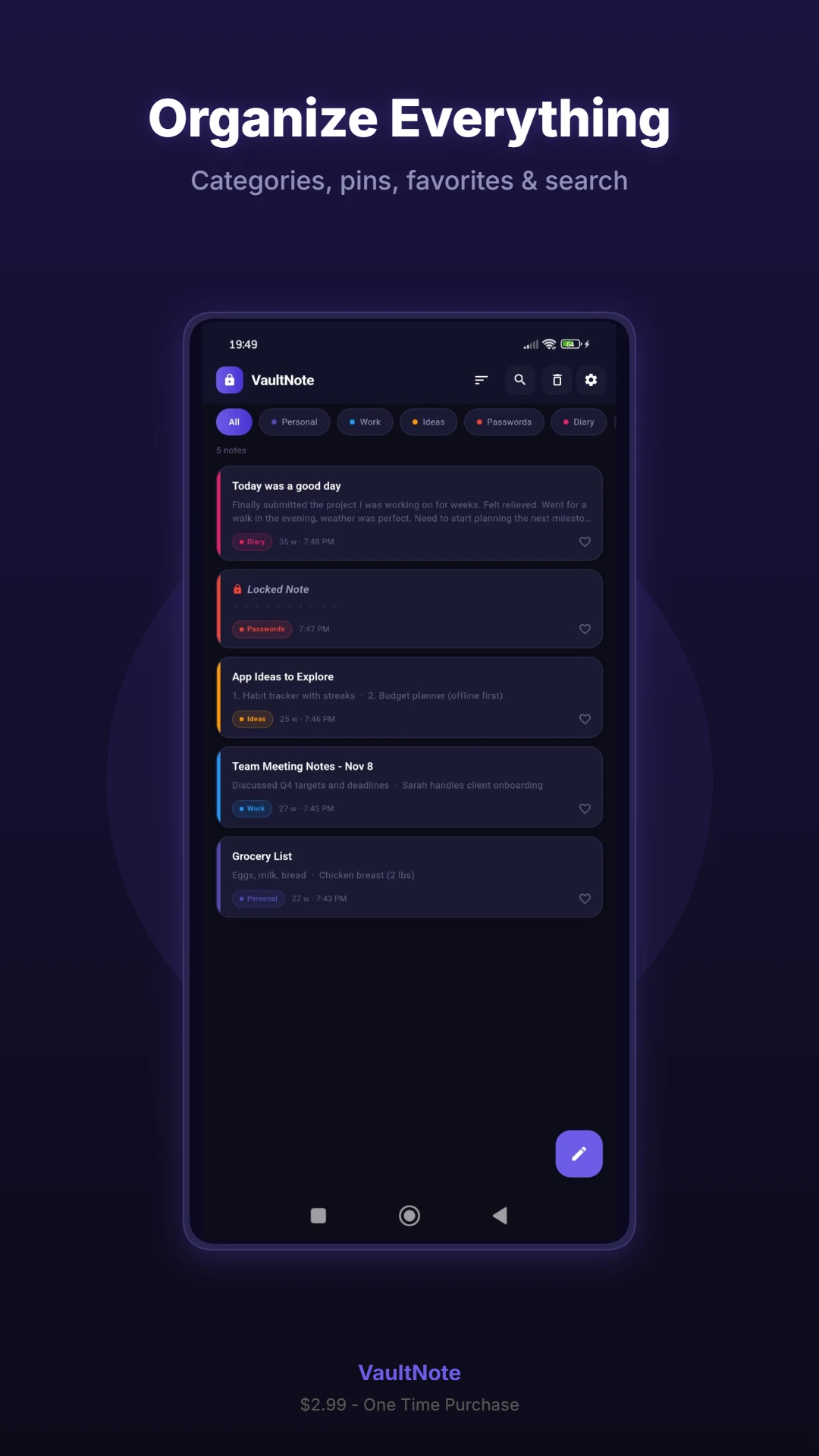
Organization
Sort into categories: Personal, Work, Ideas, Passwords, Diary. Pin notes, mark favorites, search by content or date.
Quick Note
Double-tap to instantly capture a thought. Bottom sheet pops up, type, pick a category, save. Done in seconds.
Statistics
See total notes, words written, notes per category. A simple dashboard for your writing habits.
PDF Export
Export any note as a PDF file. Share it however you want.
Trash & Recovery
Deleted notes stay in trash for 30 days. Accidentally deleted something? Restore with one tap.
How It Works
Set your PIN
Create a PIN on first launch. Optionally enable fingerprint or face unlock.
Write your notes
Use the markdown editor. Notes are saved automatically to your device's local database.
Organize
Assign categories, pin important notes, and use search to find anything instantly.
Stay protected
Every time you leave the app, it locks. Re-enter PIN or use biometrics.
Back up (optional)
Export encrypted backups whenever you want. Restore on a new device with the same PIN.
Security Details
Zero internet permissions — the app cannot access the internet. Verify in Android Settings.
PIN hashing — stored as SHA-256 cryptographic hash. The original PIN cannot be recovered.
Backup encryption — AES-256-CBC with a key derived from your PIN.
Secure storage — Android Keystore-backed secure storage (flutter_secure_storage).
Screen capture blocked — FLAG_SECURE prevents screenshots and recording.
No third-party code — zero analytics, advertising, or tracking SDKs.
No crash reporting — when the app crashes, no data is sent anywhere.
Privacy Promise
VaultNote does not collect, transmit, or share any data. There are no analytics, no ads, no user accounts, and no servers. Every piece of data stays on your device. Period.
Read the full Privacy Policy|Terms of ServicePricing
One-time purchase. Own it forever.
Other private notes apps charge $20 to $90 per year. VaultNote is a one-time purchase that never asks you for money again.
Frequently Asked Questions
Contact
Khubab Ahmed
Email: contact@khubabahmed.com
Website: khubabahmed.com